
Browse 18,000+ Templates by Type and Industry
In short
The Template Library is organized two ways — by what the form does (type) and by who it's for (industry) — in English, Spanish and French.
AvailableWhere to find it: Templates → All form types / All industries1 min read
The published library currently holds more than 6,000 templates.
Find your template:
- Open Templates and filter by type with the All form types menu — application, registration, request, survey, intake, order, consent & waiver, assessment, inspection, booking, donation, and more.
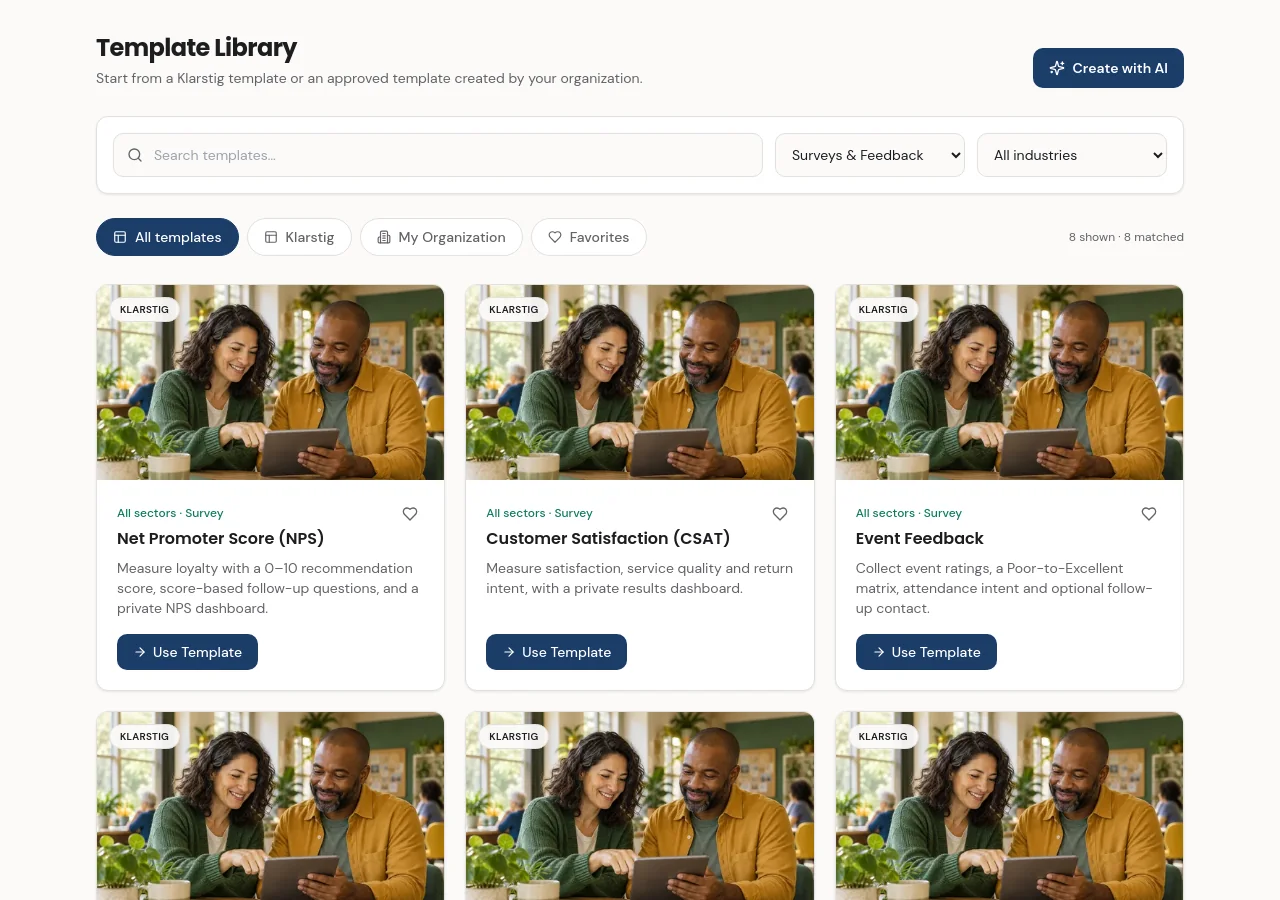
- Or filter by industry with the All industries menu — education, healthcare, construction, nonprofit, hospitality, finance and dozens more.
- Combine both: "employment application" + "construction" gets you a form that's 90% done before you touch it.
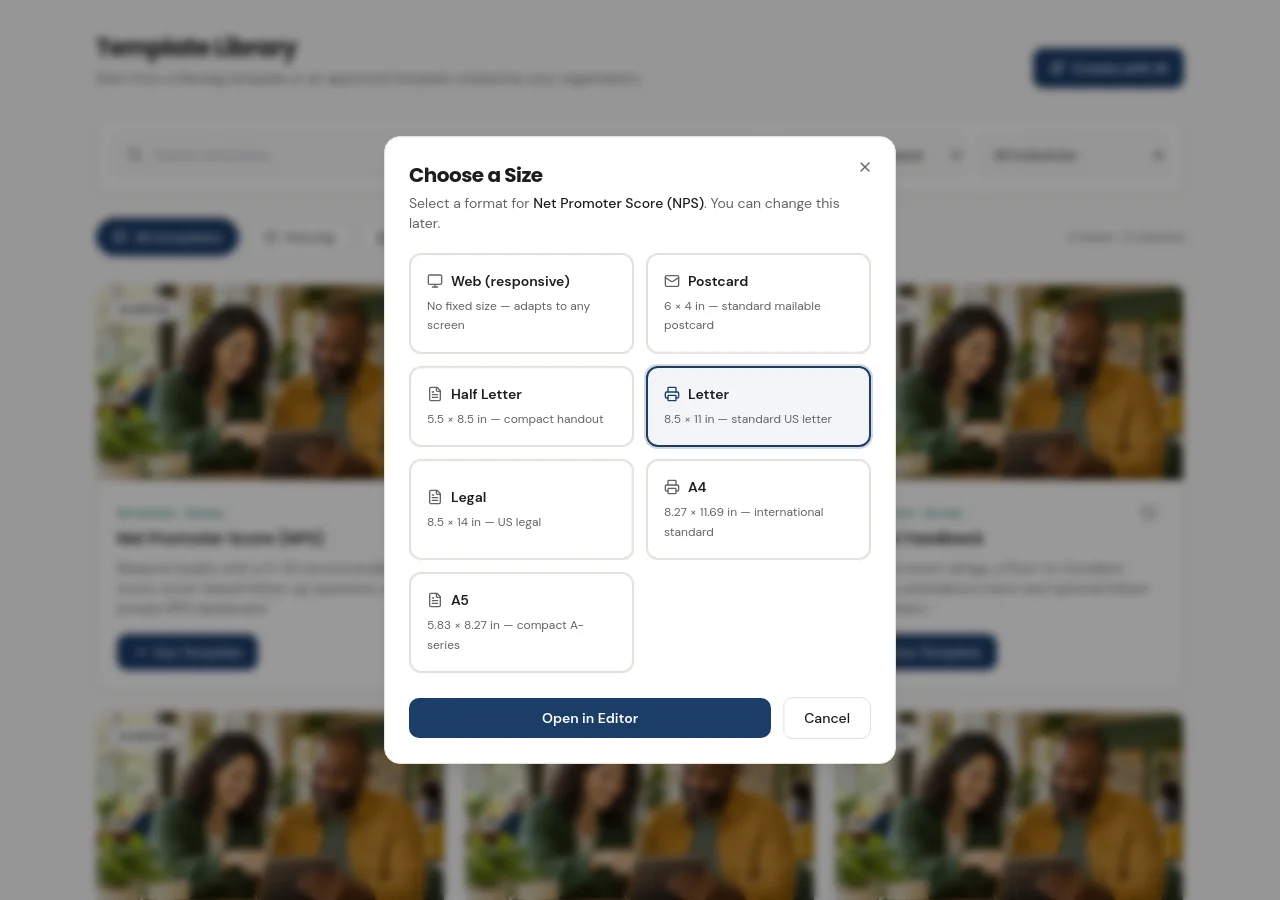
- Choose Use Template, pick a page size and choose Open in Editor to review every field, the intro copy and the thank-you screen in your own copy. (There is no separate preview step in the app; each template in the public template library has its own detail page.)
Language: browse in English, Spanish or French using the site language selector — templates are localized, not machine-translated on the fly.
Can't find it? Describe what you need to the AI builder instead — it drafts a form from a sentence.
More in Templates
Was this helpful?
Last updated:
Still need help?
Send us a message with your workspace name and what you tried. Don’t include card numbers or passwords.