
Close a Survey and Set Response Limits
In short
Close a survey at any time by setting its close date, or schedule it — with open/close dates or a response cap. Respondents who arrive late see a clean "survey closed" page.
AvailableWhere to find it: Surveys → Results → Settings1 min read
Steps:
- Open Surveys and choose Results on the survey.
- To schedule: set an Open date and/or Close date. The link works only inside that window.
- To cap volume: set a Response cap. The survey closes automatically when it's reached.
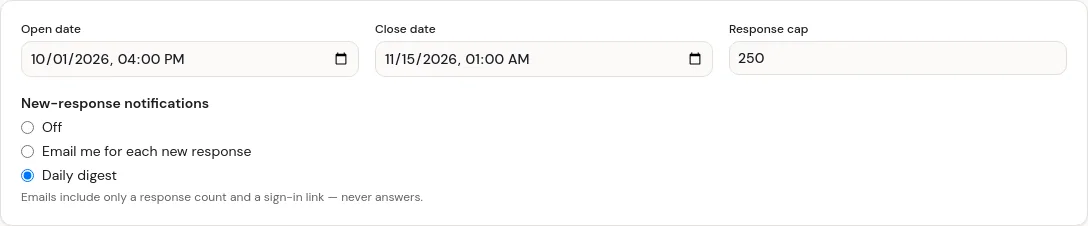
- To close right now: set the Close date to now (there is no separate Closed switch). This takes effect immediately, including for QR codes already in print.
- Reopen any time — your results and settings are preserved.
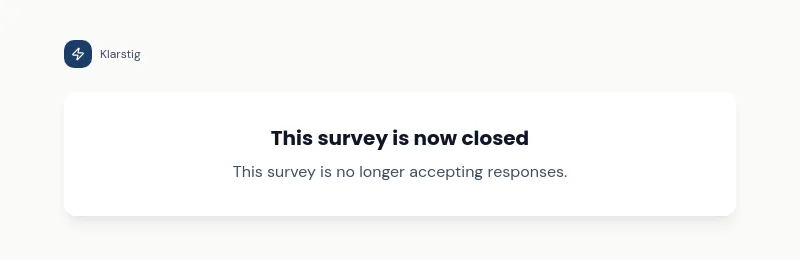
What respondents see after closing: a simple page stating the survey is closed, under the Klarstig logo. No error pages, no dead ends.
Tip: Closing is not deleting. Results stay in your dashboard until you delete them (retention settings are not available yet).
Related: Share Your Survey · Read Your Results
More in Surveys
Was this helpful?
Last updated:
Still need help?
Send us a message with your workspace name and what you tried. Don’t include card numbers or passwords.