
Share Your Survey: Link, QR Code and Email Campaign
In short
Every survey has a public link respondents can open without an account, a downloadable QR code for print and events, and an optional send-through-email-campaign for your opted-in lists (not available yet).
Limited availabilityWhere to find it: Surveys → Results1 min read
Steps:
- Open Surveys and choose Results on your survey.
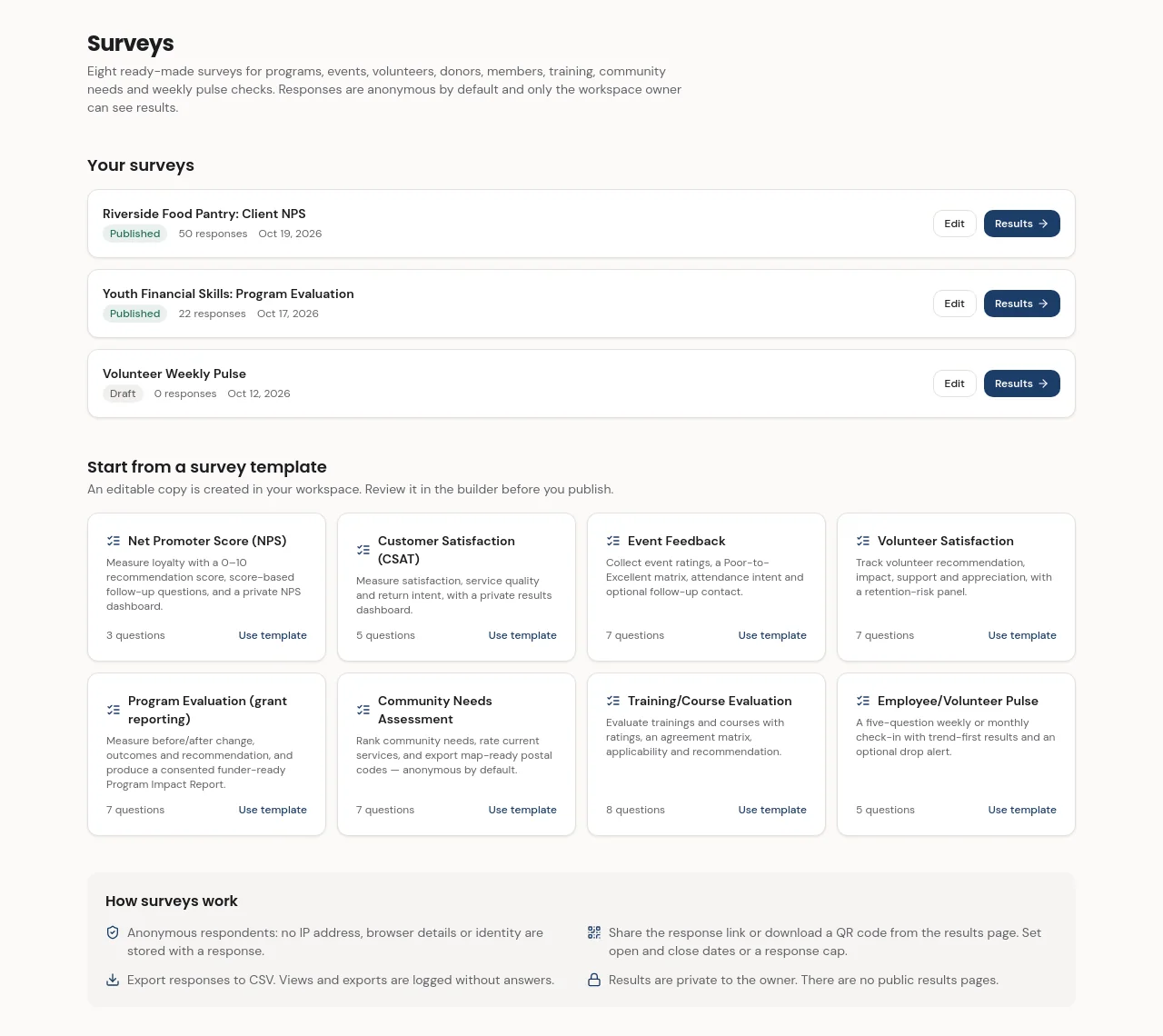
- Choose Copy response link (shown once the survey is published) — this works anywhere: email, chat, social, your website. Respondents never need a Klarstig account.
- For print, events or front desks, choose Download QR code (a 512 px PNG; SVG is not available).

- Sending a survey through an email campaign is not available yet; there is no Send via campaign control on survey pages today.
- Optional, on the Results page: set an Open date, Close date or Response cap. When the limit is reached, respondents see a polite "this survey is now closed" page.
Tips:
- One survey, many channels: the same link tracks everything in one results dashboard.
- Event QR codes work best printed large, at the exit, while the experience is fresh.
Related: Open Link vs Invite Mode · Close a Survey and Set Response Limits
More in Surveys
Was this helpful?
Last updated:
Still need help?
Send us a message with your workspace name and what you tried. Don’t include card numbers or passwords.