
YouTube Connection Keeps Asking to Re-Authorize
In short
Being asked to re-approve YouTube once after a password change is normal. Being asked repeatedly is not — here's how to tell the difference and what to send us.
Normal (expected) re-authorization triggers: you changed the Google account password; you revoked Klarstig's access in your Google account permissions; channel ownership/permissions changed. In these cases, reconnect once and it should hold.
Not normal: re-approval requested on a repeating cycle, or before every upload, with none of the triggers above. That indicates a platform issue — not something you should keep absorbing.
What to check:
- In your Google account → Security → Third-party access: is Klarstig listed with YouTube access? If it's missing entirely, reconnect once.
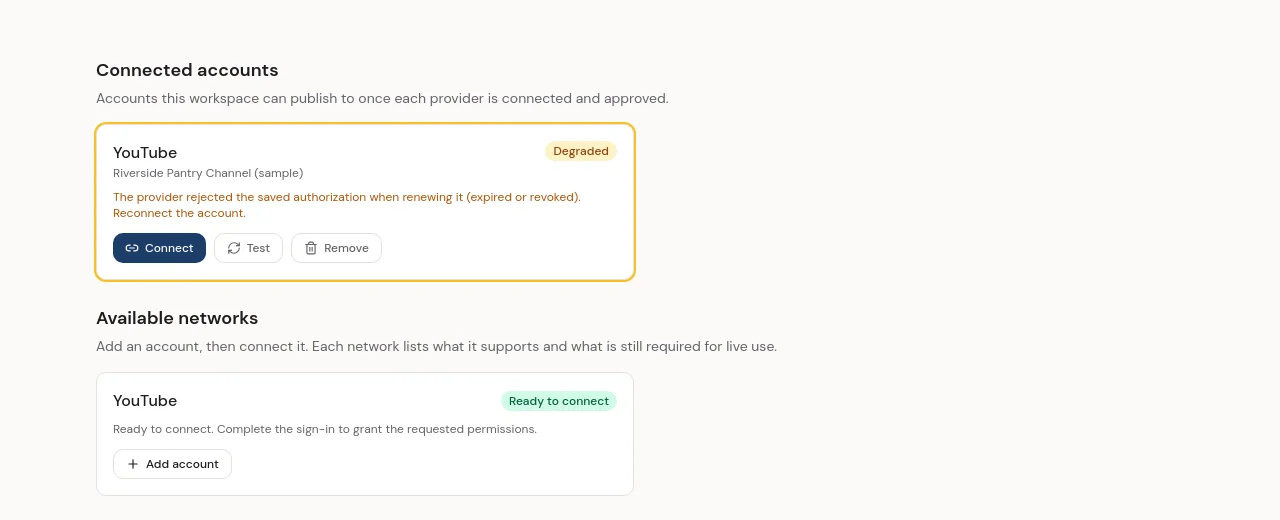
- Are you signing in with the same Google account that owns the channel each time? Mixed accounts cause loops.
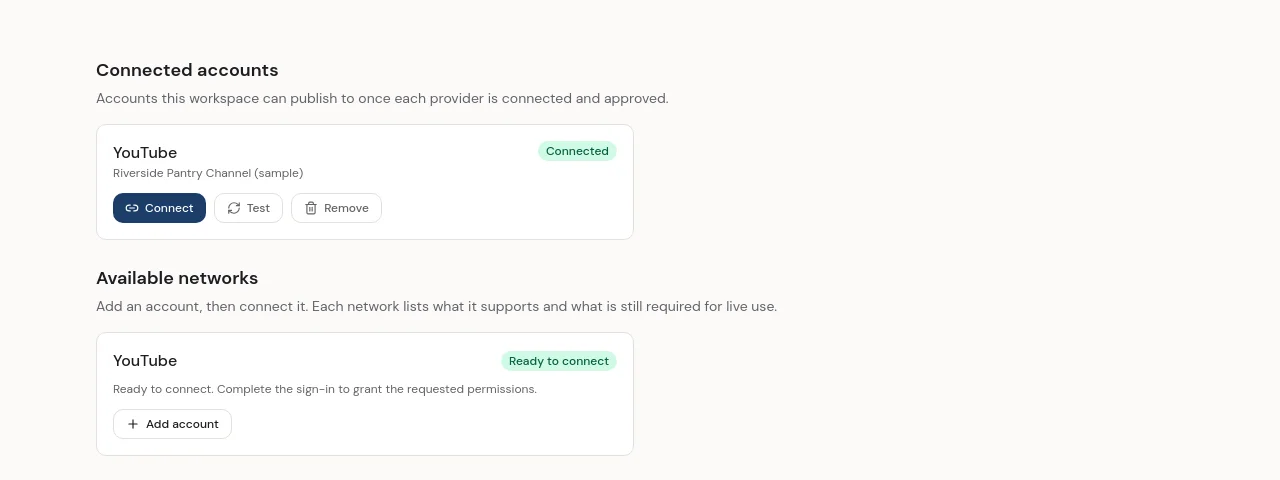
- After reconnecting, does the YouTube card under Connected accounts show Connected?
If it recurs: contact support with the date of the last reconnect, the channel name, and any error text shown — please never send passwords or Google verification codes. We treat repeated re-authorization as a defect on our side and will diagnose before asking you to sign in again.
More in Troubleshooting
Was this helpful?
Last updated:
Still need help?
Send us a message with your workspace name and what you tried. Don’t include card numbers or passwords.